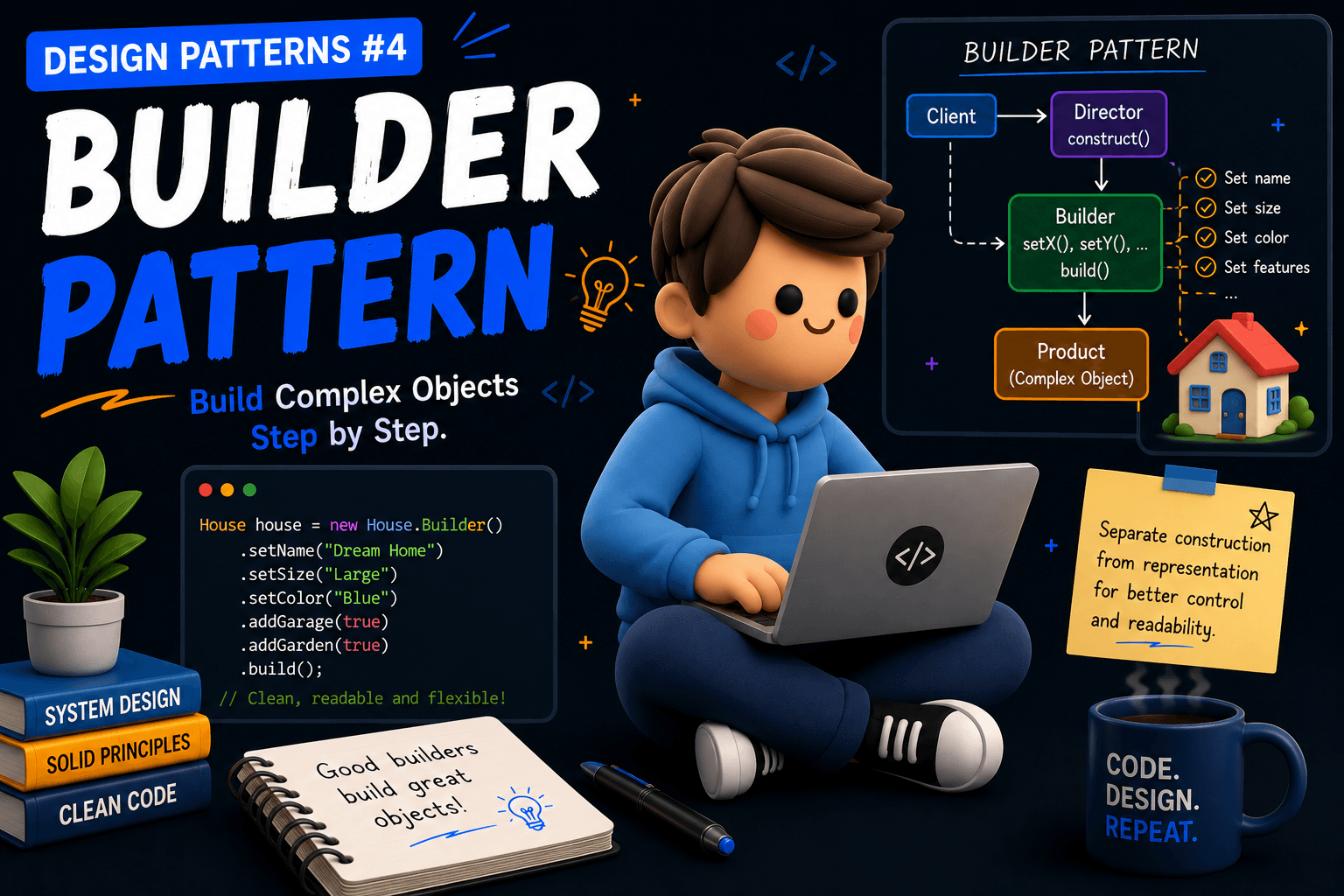
Before learning Builder Pattern, let's first understand the problem it tries to solve.
Suppose we have a User class.
class User {

    private String name;
    private String email;
    private String phone;
    private String address;
    private int age;
    private boolean isPremium;

    User(
        String name,
        String email,
        String phone,
        String address,
        int age,
        boolean isPremium
    ) {
        this.name = name;
        this.email = email;
        this.phone = phone;
        this.address = address;
        this.age = age;
        this.isPremium = isPremium;
    }
}
Creating a user:
User user = new User(
    "Abhinandan",
    "abhinandan@gmail.com",
    "9876543210",
    "Bangalore",
    25,
    true
);
Initially, it looks okay, but while using it we have to remember which property is being passed at which position.
What Happens As Requirements Grow?
Tomorrow the business asks for:
country
company
linkedinProfile
githubProfile
preferredLanguage
profilePicture
Now:
User user = new User(
    "Abhinandan",
    "abhinandan@gmail.com",
    "9876543210",
    "Bangalore",
    25,
    true,
    "India",
    "Project44",
    "...",
    "...",
    "English",
    "..."
);
Now, I don't even know which parameter is the 7th and which is the 10th.
The constructor becomes difficult to read and maintain.
This is often called:
Constructor Hell
A Common Solution
One possible solution is to create multiple constructors.
User(String name)

User(String name, String email)

User(
    String name,
    String email,
    String phone
)
But as the number of fields increases, the number of constructors also keeps increasing.
Soon we end up with constructor explosion, which again becomes difficult to maintain.
Builder Pattern Solution
Instead of passing everything through a constructor, we can create the object step by step.
Let's create a Builder class inside the User class.
class User {

    private String name;
    private String email;
    private String phone;
    private String address;
    private int age;
    private boolean isPremium;

    private User(Builder builder) {
        this.name = builder.name;
        this.email = builder.email;
        this.phone = builder.phone;
        this.address = builder.address;
        this.age = builder.age;
        this.isPremium = builder.isPremium;
    }

    public static Builder builder() {
        return new Builder();
    }

    static class Builder {

        private String name;
        private String email;
        private String phone;
        private String address;
        private int age;
        private boolean isPremium;

        Builder name(String name) {
            this.name = name;
            return this;
        }

        Builder email(String email) {
            this.email = email;
            return this;
        }

        Builder phone(String phone) {
            this.phone = phone;
            return this;
        }

        Builder address(String address) {
            this.address = address;
            return this;
        }

        Builder age(int age) {
            this.age = age;
            return this;
        }

        Builder premium(boolean isPremium) {
            this.isPremium = isPremium;
            return this;
        }

        User build() {
            return new User(this);
        }
    }
}
Now creating a user becomes much cleaner.
User user = User.builder()
    .name("Abhinandan")
    .email("abhinandan@gmail.com")
    .phone("9876543210")
    .age(25)
    .premium(true)
    .build();
Now we immediately know:
-
Which property is being set
-
Which properties are optional
-
What value belongs to which field
The code is much more readable.
Why Builder Pattern?
Better Readability
Instead of:
new User(
    "Abhinandan",
    "abhinandan@gmail.com",
    "9876543210",
    ...
);
we get:
User.builder()
    .name("Abhinandan")
    .email("abhinandan@gmail.com")
    .build();
which is much easier to understand.
Optional Fields
Suppose phone and address are optional.
Without Builder:
new User(
    "Abhinandan",
    "abhinandan@gmail.com",
    null,
    null,
    25,
    false
);
With Builder:
User.builder()
    .name("Abhinandan")
    .email("abhinandan@gmail.com")
    .build();
No unnecessary null values.
Validation Before Object Creation
Builder can also validate data before creating the object.
User build() {

    if(name == null) {
        throw new RuntimeException(
            "Name is required"
        );
    }

    return new User(this);
}
This ensures invalid objects are not created.
Now this is all about the Builder pattern and you will understand better while actually desigining systems. There are a lot of other patterns but now we're going to solve some problems then move ahead with learning more patterns.